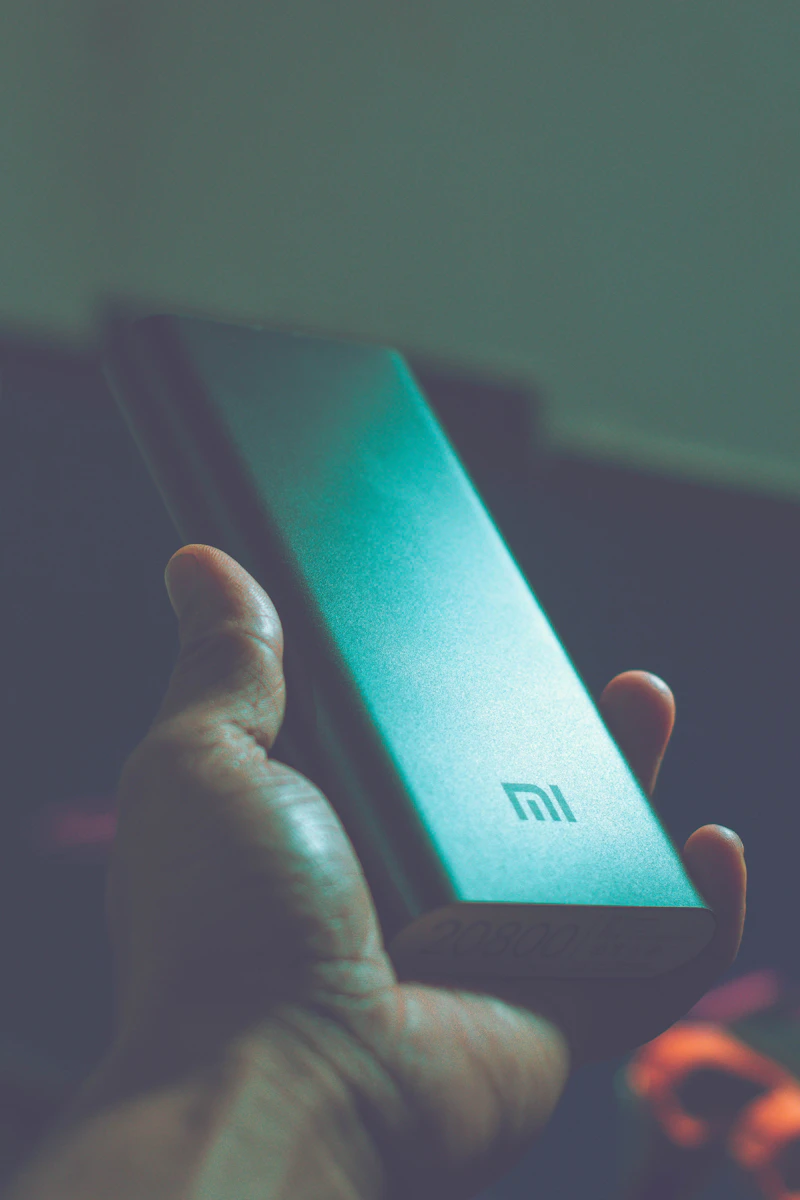
Power Bank Not Charging? Here's How to Fix It
February 10, 2026 • TechGearDaily
Why This Happens
Power bank charging issues usually fall into three categories:
- Cable or adapter problems (most common)
- Software/firmware glitches
- Battery degradation (older units)
Step-by-Step Fix
Step 1: Try a Different Cable
This fixes the problem 60% of the time. USB-C cables especially vary in quality.
Step 2: Try a Different Power Adapter
Make sure your wall adapter outputs enough wattage. A 5W adapter will charge a 20000mAh bank painfully slowly.
Step 3: Clean the Ports
Use a toothpick or compressed air to gently remove lint and debris from the USB-C port.
Step 4: Reset the Power Bank
Many power banks have a reset function — press and hold the power button for 15 seconds.
Step 5: Check the Temperature
Power banks have thermal protection. If it’s too hot or too cold, it won’t charge. Let it cool down to room temperature.
If Nothing Works
If your power bank is over 2 years old and won’t hold a charge, the battery cells may be degraded. Time for a replacement.
Recommended Alternatives
If you need a new power bank, check out our Best Portable Chargers roundup.